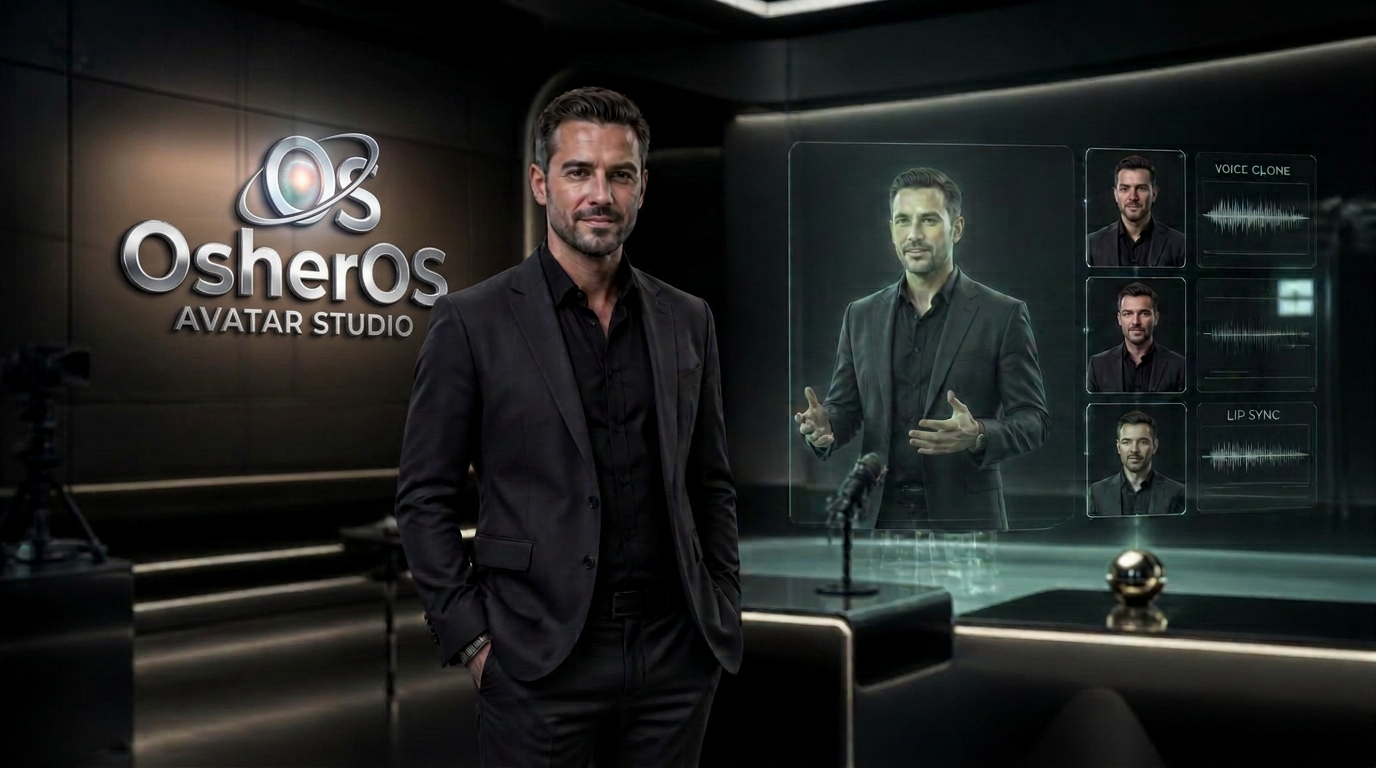
Avatar Studio
Clone yourself. Film ads all day.
Upload 3–5 photos and a short voice recording. OsherOS™ builds a photoreal presenter clone, then films spokesperson ads, UGC clips, keynotes and product demos from your own likeness.
See it in action
How the room works
Your photos and a short voice sample become a presenter who reads your scripts on camera — spokesperson ads, UGC clips and product demos, all day.
1 — Your photos
Best results: 3–5 well-lit shots, face clearly visible, a mix of straight-on and slight angles, no sunglasses or heavy filters.
Camera Ready guide: how to take the best photos for your avatar
- Face the light. Stand facing a window or soft lamp. No strong light behind you.
- Camera at eye level, about an arm's length away. Use the back camera if you can.
- Plain background. A clear wall works best, with no busy patterns or other people.
- Show your face clearly. No sunglasses, hats, hair over the eyes or beauty filters.
- Take a mix: one straight on, one slight left turn, one slight right turn, one smiling, one head-and-shoulders.
- Wear what you'll wear on video. Solid colours look best. Avoid thin stripes and logos.
- Keep it sharp. Wipe the lens, hold still, and skip blurry or zoomed-in shots.
- Same day, same look. Keep hair and makeup the same in every photo so your avatar stays consistent.
- Voice recording: a quiet room, phone about 6 inches away, 30–60 seconds of natural talking.
Have a video of yourself? Upload it and we'll take your face and voice from it to build your avatar for commercials. It stays on your device — only use videos of yourself or people who gave permission.
2 — Your voice · in-studio vocal booth
Record your own voice here for this avatar, or use the full Vocal Booth for advanced microphone sound and vocal processing.
Your recording is kept as the reference take — pick the synthetic voice closest to it for scripted narration, or drop your own take straight onto the timeline in the Video Studio.
Voice guide: how much to record, and using other voices
How much to record: 30–60 seconds of natural talking is the sweet spot. A quiet room with the phone about 6 inches (15 cm) away works best. Read a few sentences like you're talking to a customer — no shouting, no background music or TV.
Recording here: the in-studio record button has no hard time limit, but keep your sample short and clear — 30–60 seconds is all the studio needs.
Uploading audio: your file must be an audio file under 8 MB (WAV, MP3 or M4A from a phone recording is fine).
Using your own video: the "Use my own video" button pulls your face and up to 30 seconds of your voice straight from the video — all on your device, nothing sent to a server.
Where it's kept: your voice sample and photos stay stored on your device in this browser, so sign in on the same device and browser to reuse them.
Other voices: yes — you're not limited to your own voice. Every avatar gets its own voice, and you can pick from 8 built-in studio narration voices (the "Matched narration voice" dropdown above) for scripted lines, or drop any recording onto the timeline in the Video Studio.
Voice library: you can save up to 8 voice samples in the Vocal Booth voice locker and reuse them across different avatars and videos.
Team voices: each person can build their own avatar with their own voice — so one business can have several spokespersons, each sounding like themselves.
Photoshoot pack
Pick exactly the shots you want — headshots, boardroom, outdoor, gym, lifestyle, luxury, seasonal and ad shots. Uses the photos you uploaded above.
Headshots
Boardroom
Outdoor
Fitness
Lifestyle
Creator
Seasonal
Luxury
Formal
Commercial
Describe your vision
Anything you can picture — the outfit, place, mood, time of day. Same high definition quality, holding your real face.
Upload at least 3 photos of your face above to start a shoot.
Presenter library
No photos? Pick a ready-made presenter — each one comes with a matched voice and can be filmed instantly alongside your own clones.
3 — Direct the ad
Same brief, top-tier model, 4K output. Slower and costs more credits than the draft.
Build an avatar on the left to unlock filming.
Preview
Your avatar keyframe and finished ads appear here.